Native iOS and Android.
Designed twice, not wrapped once.
8 design builds from the studio, each aimed at one thing a browser cannot reach: a Bluetooth peripheral that has to stay bonded, a location fix taken with the screen off, an alert that has to ring through silence.
What a design build is — and is not
- Design, not a compiled app. Each one is a screen set plus a target architecture. The screens are hand-built and captured; no Swift or Kotlin source exists behind them, and none of them is on a store.
- Nobody commissioned them. We made them in-house to show how the studio approaches native mobile. They are not client engagements — paid client work sits on the portfolio.
- Everything inside the screens is sample data. Every name, record and figure shown was invented for the demo.
8 builds, each taken far enough to be judged
Every one carries a fully worked home screen, a deep detail screen, and the same feature redesigned in Material 3 rather than skinned — 24 screens in all.
| Build | Sector | Designed around |
|---|---|---|
| Banksman | Construction & Infrastructure | A full shift has to be recorded with the radio off |
| Nightdock | Logistics | Nothing can depend on the network at the door |
| Casement | Real estate & proptech | Dual capture pipeline |
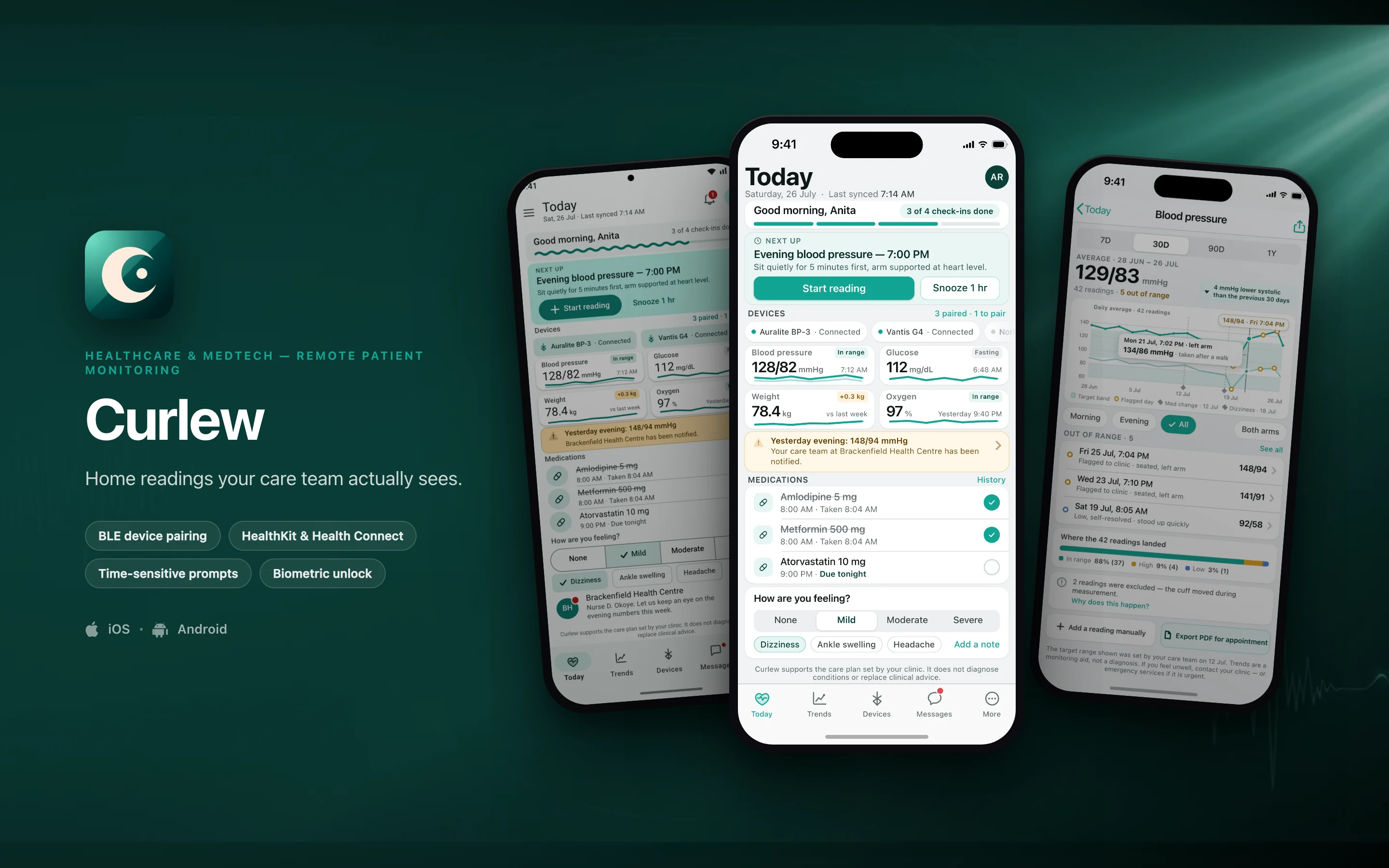
| Curlew | Healthcare & medtech | BLE GATT pairing and bonded reconnect |
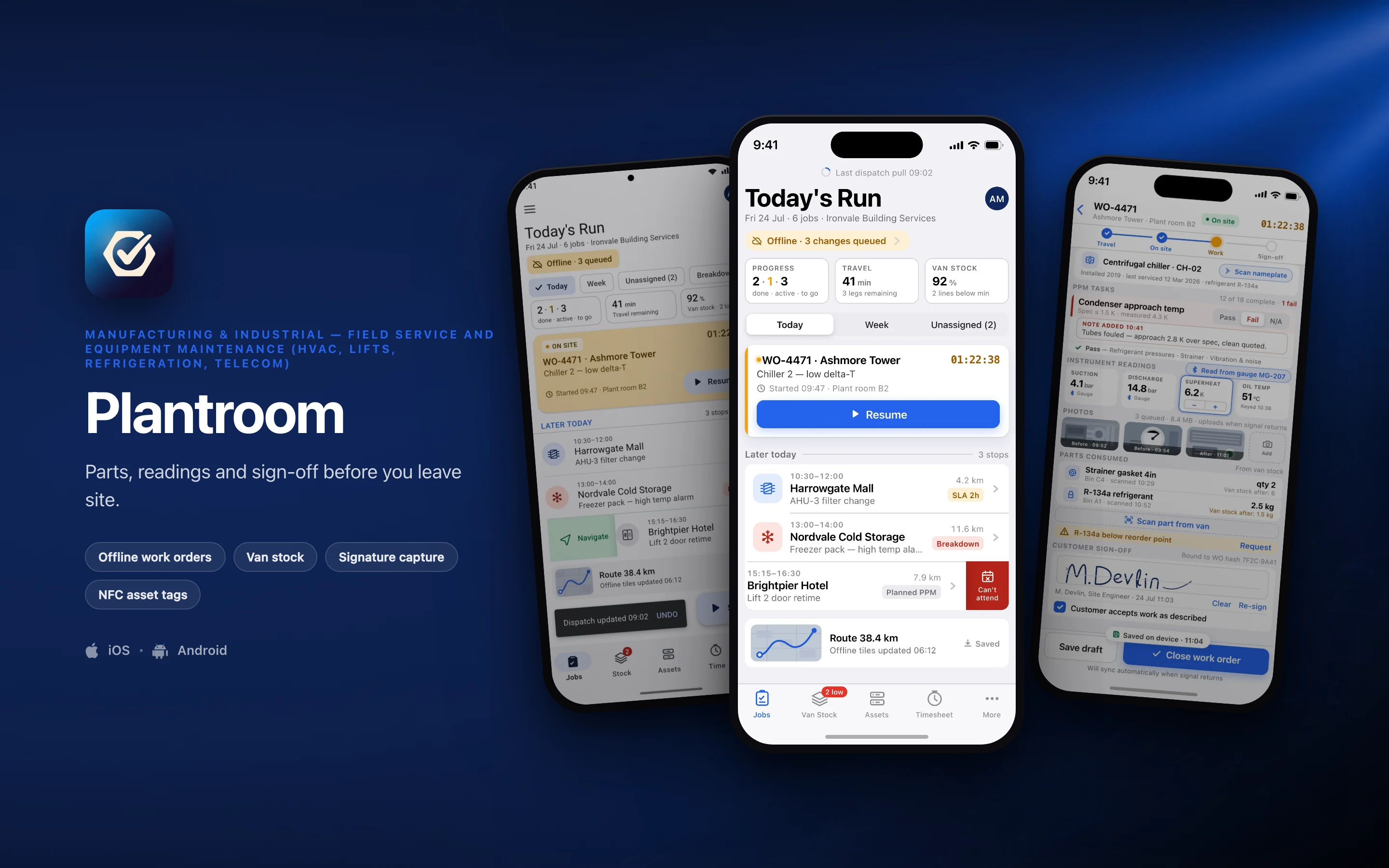
| Plantroom | Manufacturing & industrial | Four hours with no signal has to produce a complete work order |
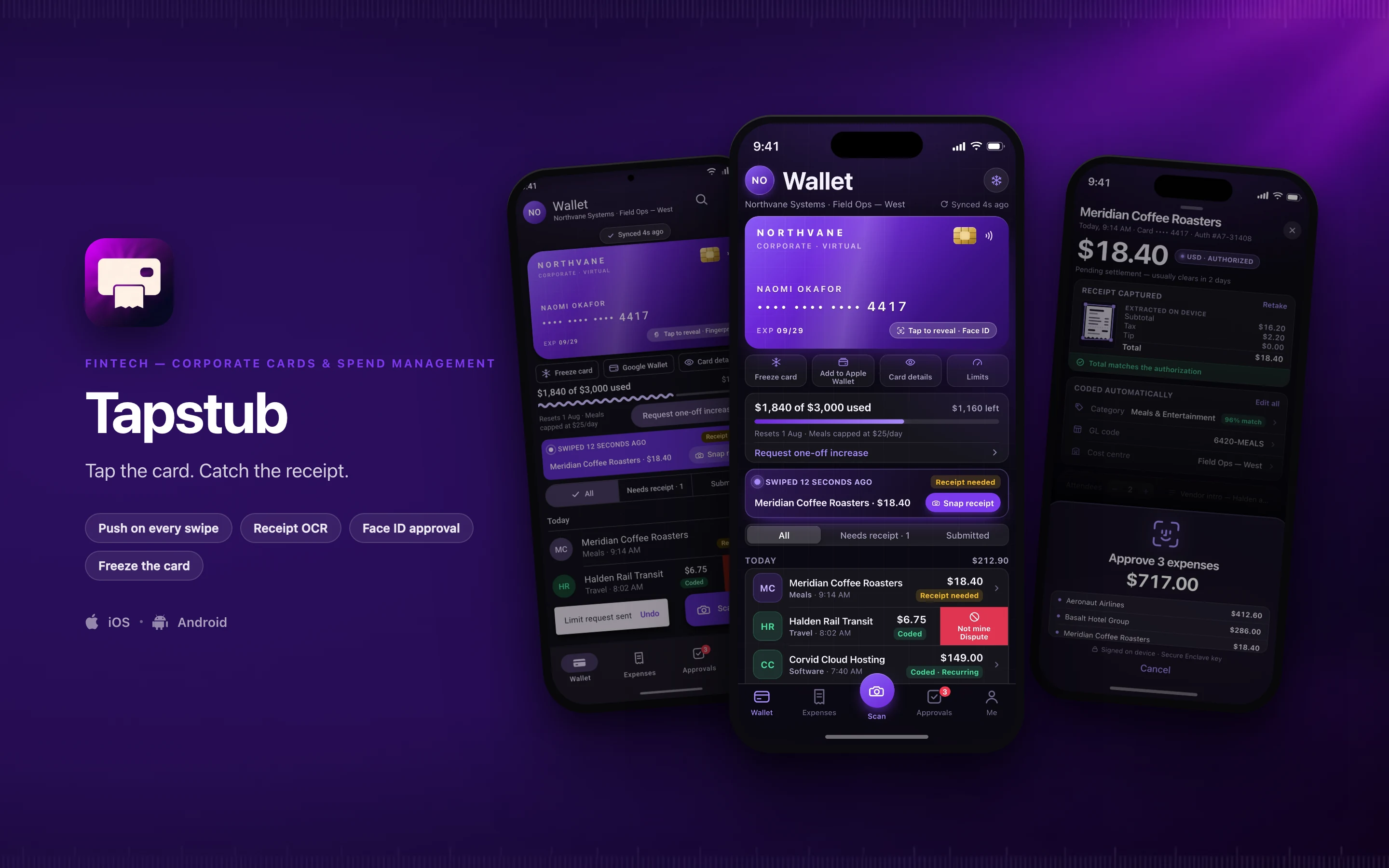
| Tapstub | Fintech | Sub-two-second authorization push |
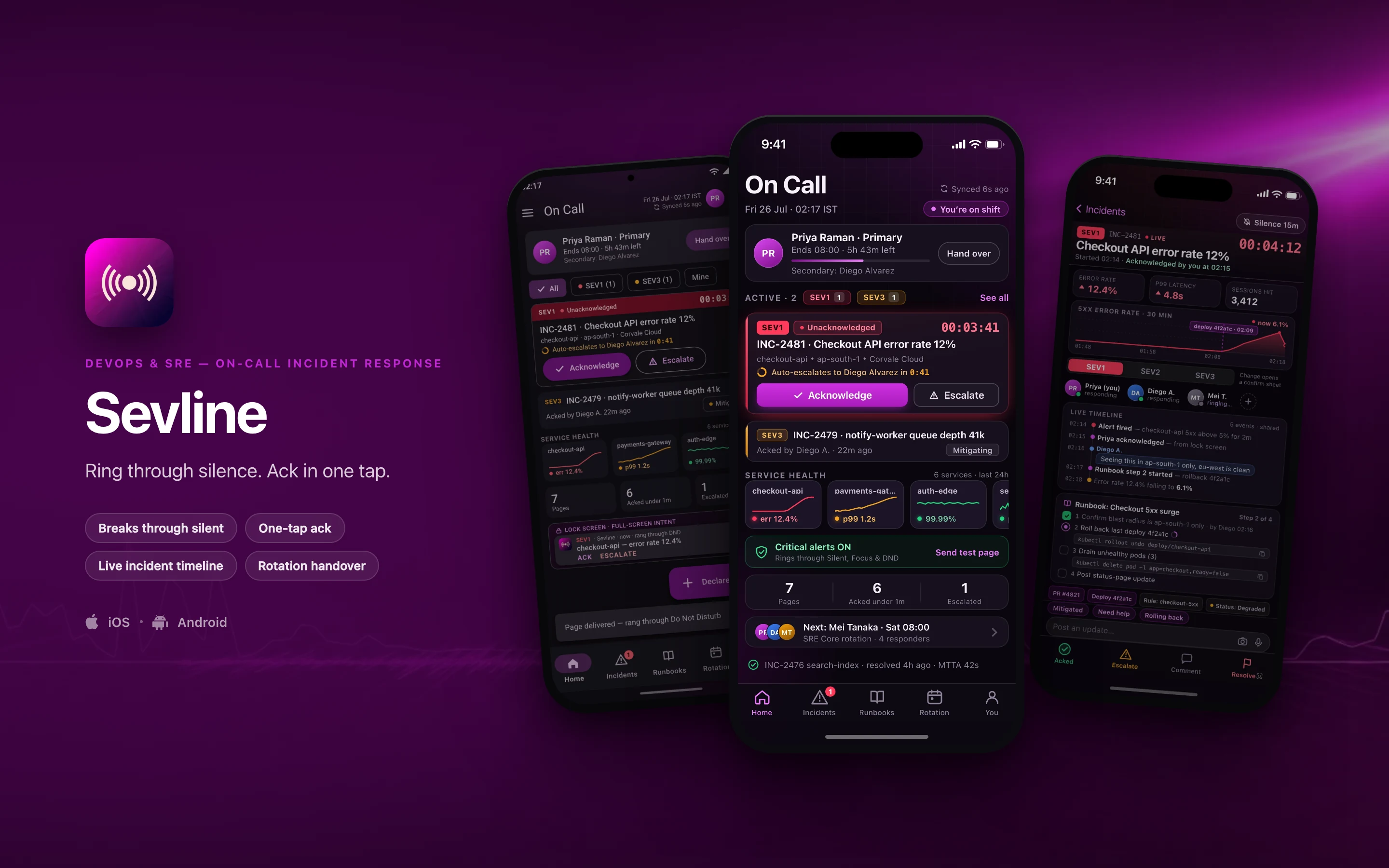
| Sevline | DevOps & SRE | Critical alerts that bypass Silent and Focus |
| Kickplate | Manufacturing & heavy industry | Real-time detection on the preview buffer |
 iOSAndroid
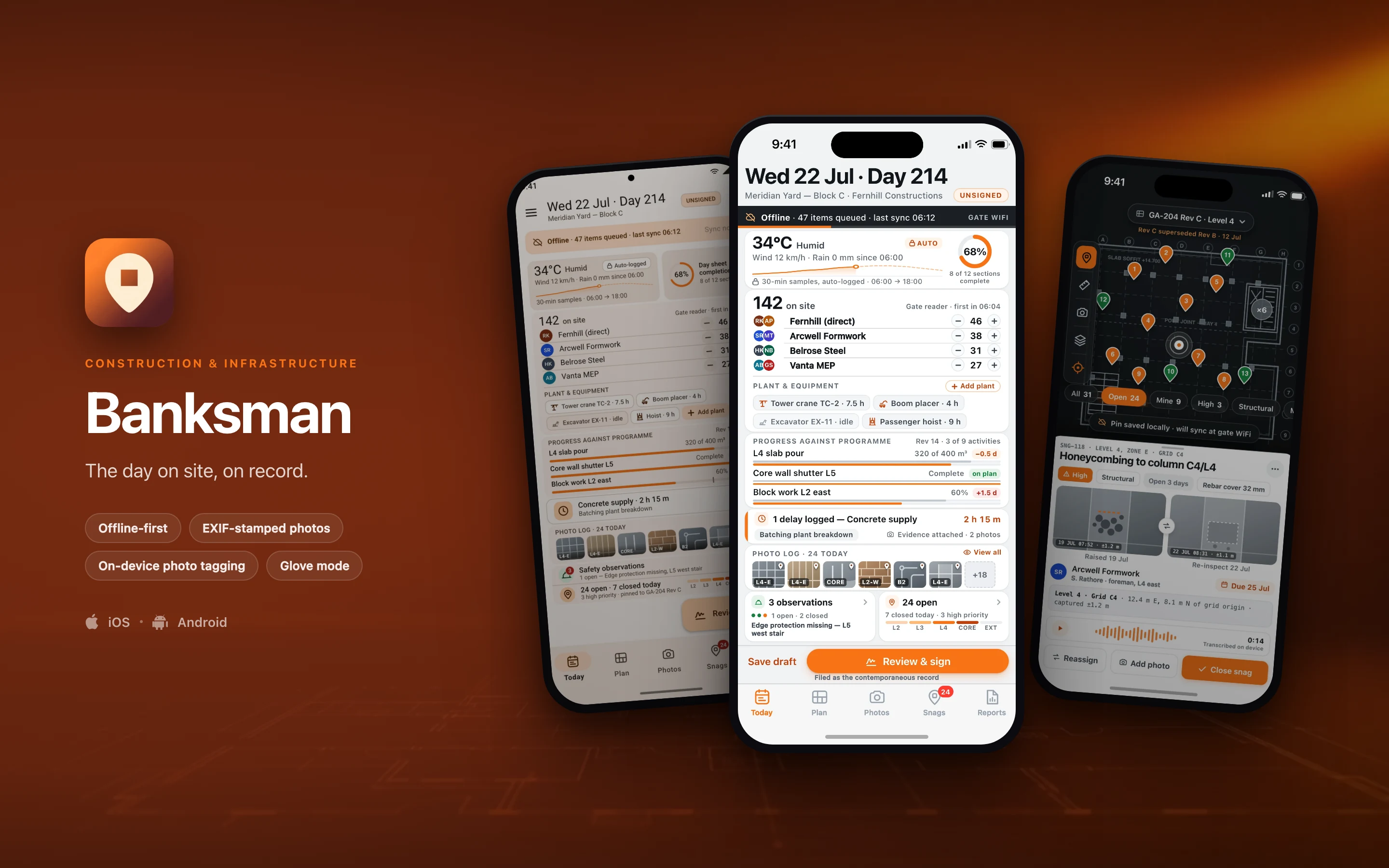
Banksman
Construction & InfrastructureThe day on site, on record.
- Offline-first
- EXIF-stamped photos
- On-device photo tagging
- Glove mode
 iOSAndroid
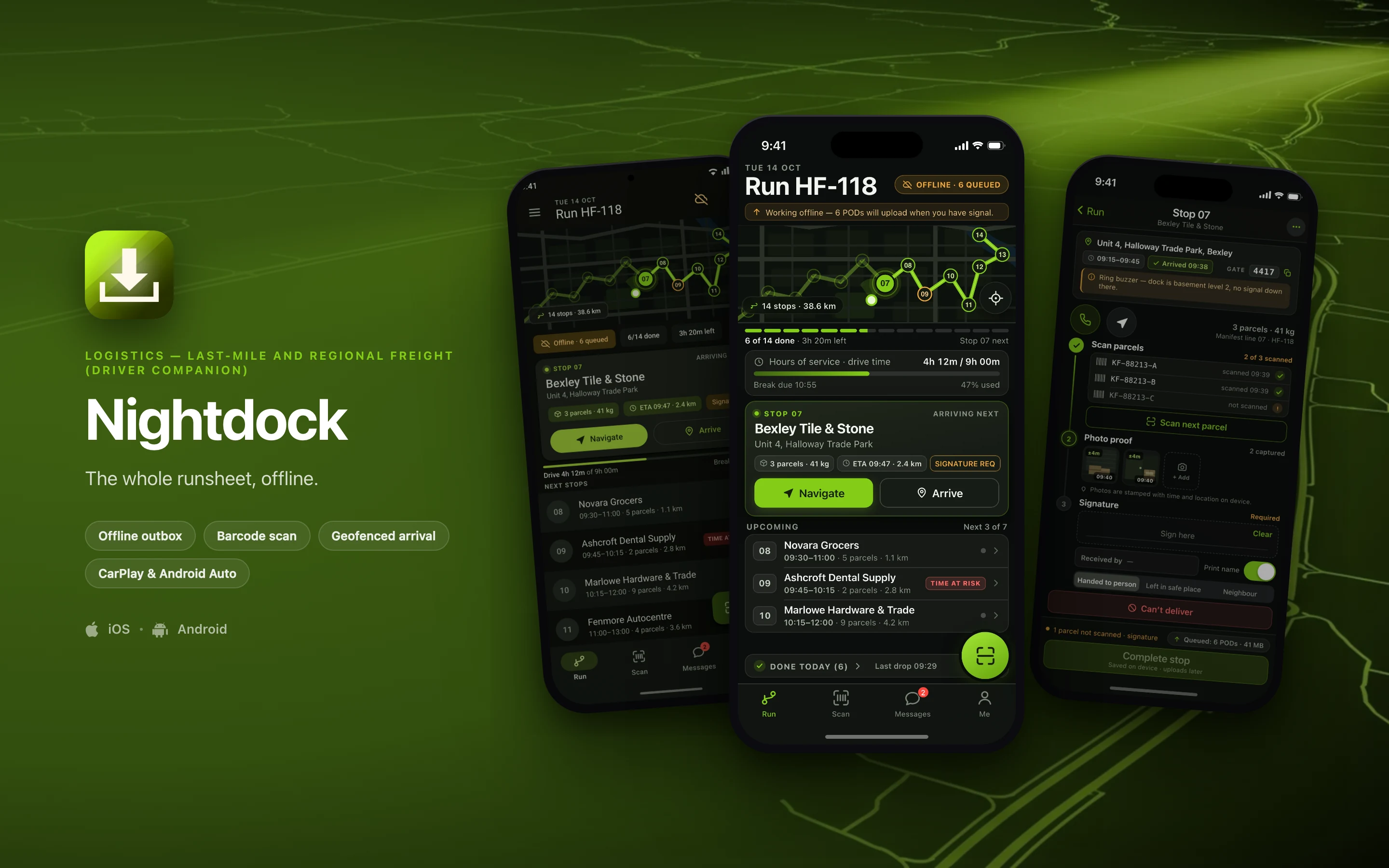
Nightdock
LogisticsThe whole runsheet, offline.
- Offline outbox
- Barcode scan
- Geofenced arrival
- CarPlay & Android Auto
 iOSAndroid
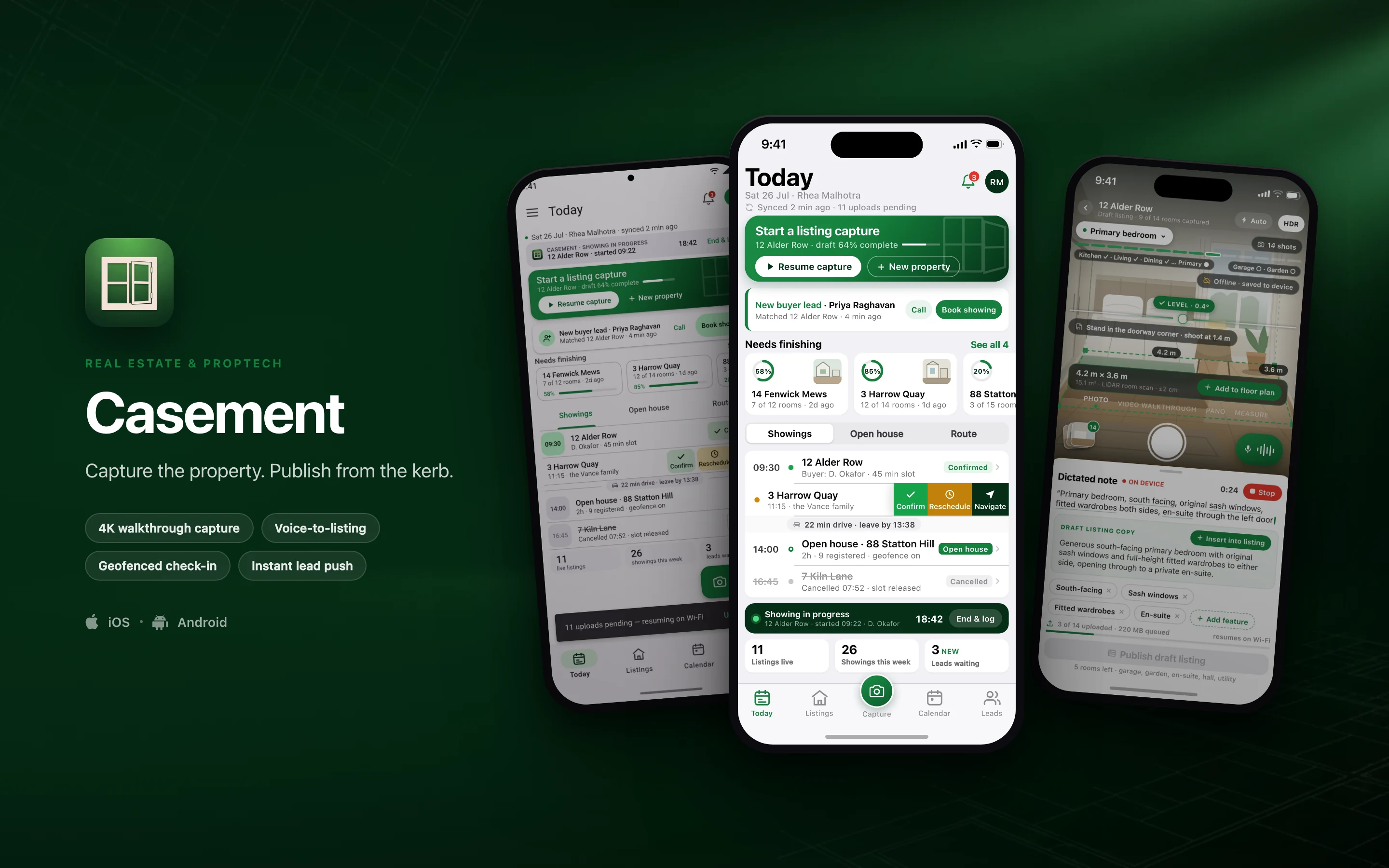
Casement
Real estate & proptechCapture the property. Publish from the kerb.
- 4K walkthrough capture
- Voice-to-listing
- Geofenced check-in
- Instant lead push
 iOSAndroid
Curlew
Healthcare & medtechHome readings your care team actually sees.
- BLE device pairing
- HealthKit & Health Connect
- Time-sensitive prompts
- Biometric unlock
 iOSAndroid
Plantroom
Manufacturing & industrialParts, readings and sign-off before you leave site.
- Offline work orders
- Van stock
- Signature capture
- NFC asset tags
 iOSAndroid
Tapstub
FintechTap the card. Catch the receipt.
- Push on every swipe
- Receipt OCR
- Face ID approval
- Freeze the card
 iOSAndroid
Sevline
DevOps & SRERing through silence. Ack in one tap.
- Breaks through silent
- One-tap ack
- Live incident timeline
- Rotation handover
 iOSAndroid
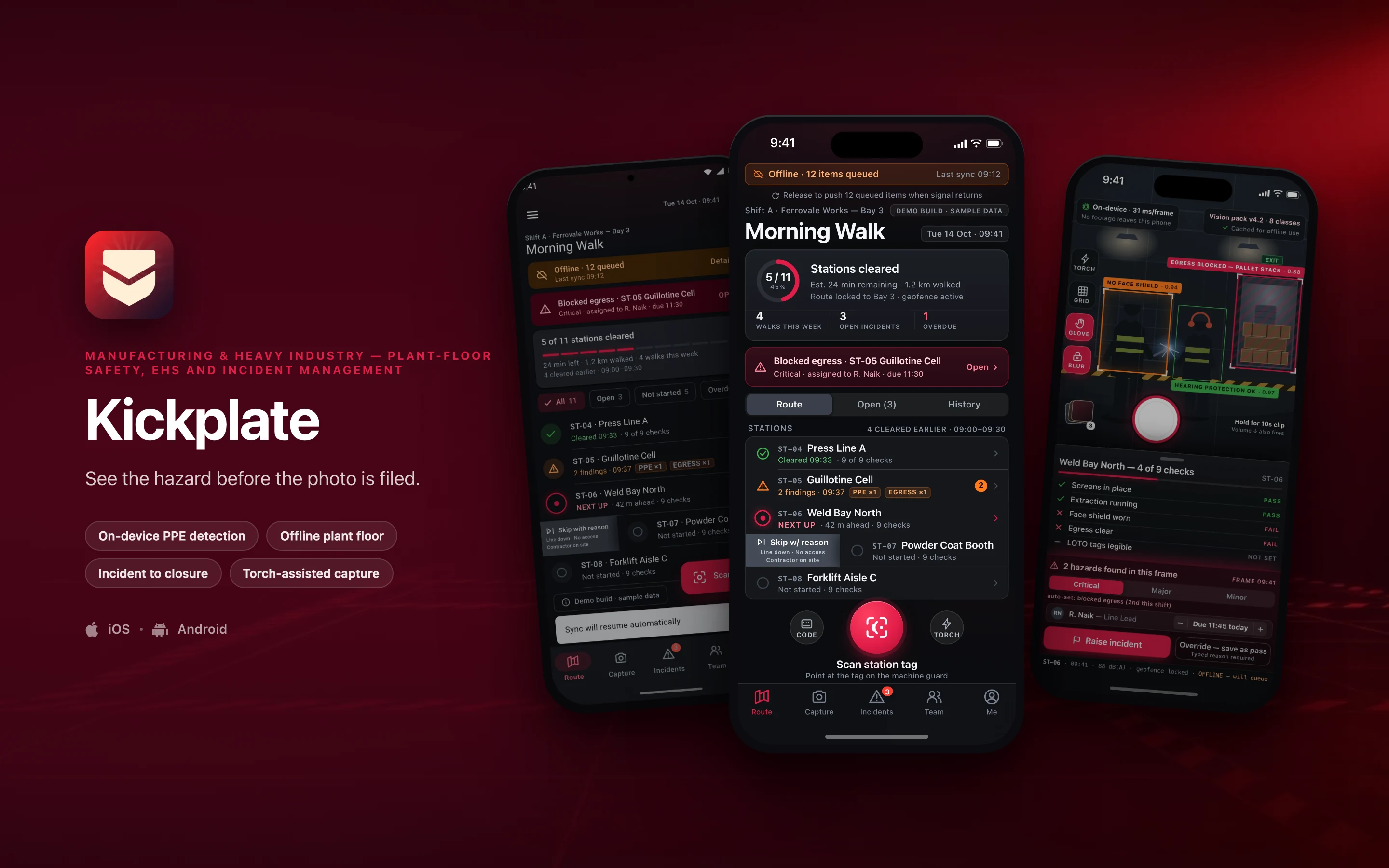
Kickplate
Manufacturing & heavy industrySee the hazard before the photo is filed.
- On-device PPE detection
- Offline plant floor
- Incident to closure
- Torch-assisted capture
The browser is not missing polish here. It is missing the capability.
6 capabilities decide the whole set. Each is an operating-system entitlement or a hardware path a browser tab either cannot reach or cannot be trusted to hold.
Design intent, not shipped implementation. Every row below describes the target architecture these builds are designed against.
| Capability | In a browser tab | With an OS entitlement |
|---|---|---|
| Work that completes with no signal | Storage is evictable, and the critical path is the wire. | Encrypted on-device store behind an append-only outbox. |
| Peripherals that bond and reconnect | Web Bluetooth cannot bond or background — and iOS has none. | Bonded GATT connections that wake the app on reconnect. |
| Location with the screen off | A backgrounded tab is suspended. No region monitoring. | A foreground service, or an iOS background-location mode. |
| Vision that runs on the handset | No preview buffer at frame rate. Frames would have to leave. | Apple Neural Engine or an NNAPI/GPU delegate, in memory. |
| Approval that is hard to repudiate | A browser can only report that a check passed. | A Secure Enclave or StrongBox key signs the payload. |
| An alert that breaks through silence | Web push has no interruption level. | iOS critical alerts; an Android bypassDnd full-screen intent. |
The API-level detail behind each row
- Work that completes with no signal
- A day sheet, a delivery, a work order or a safety walk has to finish in a basement dock or a steel bay and reconcile cleanly hours later. Every build in the set is designed around a durable outbox that replays in causal order on the first uplink.
- Peripherals that bond and reconnect
- Blood-pressure cuffs, glucometers and scales on the Bluetooth SIG GATT profiles; refrigerant manifold gauges and clamp meters; ring scanners and cab-mounted label printers.
- Location with the screen off
- Geofenced arrival and departure stamped without anyone tapping anything, travel time separated from on-site time, and region monitoring that wakes the app when someone reaches the door. These are OS entitlements, not permissions a tab can ask for.
- Vision that runs on the handset
- Hazard and PPE detection scored against the camera preview buffer at around 30 fps, plus photo tagging, nameplate OCR and receipt parsing. Frames are scored and dropped in memory, so sensitive imagery never leaves the device.
- Approval that is hard to repudiate
- EXIF stamped with GPS, compass heading and a barometric floor estimate at the moment of the shutter; pressure-sensitive signature capture; LiDAR room measurement; and approvals that return a signature rather than a boolean.
- An alert that breaks through silence
- These are the only two ways a notification rings at forced volume with the ringer switch off — and a page that does not wake you is not a page.
Building something that lives on a phone?
Tell us what the app has to do and who has to use it — offline, on a peripheral, in the background, or through Do Not Disturb — and we will tell you plainly what building it natively involves, and whether we are the right team for it.
Start the conversation